Get your hospice running on Jubal Med
Five short guides take you from your first sign-in to your first IDG meeting. Each one is a set of steps, with the screen you will see at every step.
Get the desktop app for Mac or Windows
Jubal works in any browser, and we recommend the desktop app for everyone who works patients every day. Same patients, same documents, same team: it fits the way you handle charts.
- Drop the chart from your desktopDrag files or whole folders straight from Finder or Explorer, your EMR's downloads or an email onto a patient. Scans are read too.
- It locks when you step awayAfter an hour idle the app asks who is there before it shows anything: Touch ID on a Mac, one click elsewhere.
- Fast with big chartsRecords are kept on the computer for speed. The team's copy in the cloud is still the one that counts.
- It keeps itself currentUpdates download in the background and ask for a relaunch when ready. Signed by us, so it installs without warnings.
Welcome: your first sign-in
Sign in with the email on your approval, get the desktop app, and find your way around. Your trial days start here.
Set up your hospice
Check your state, invite your team, add your IDG teams and decide where your deadlines live.
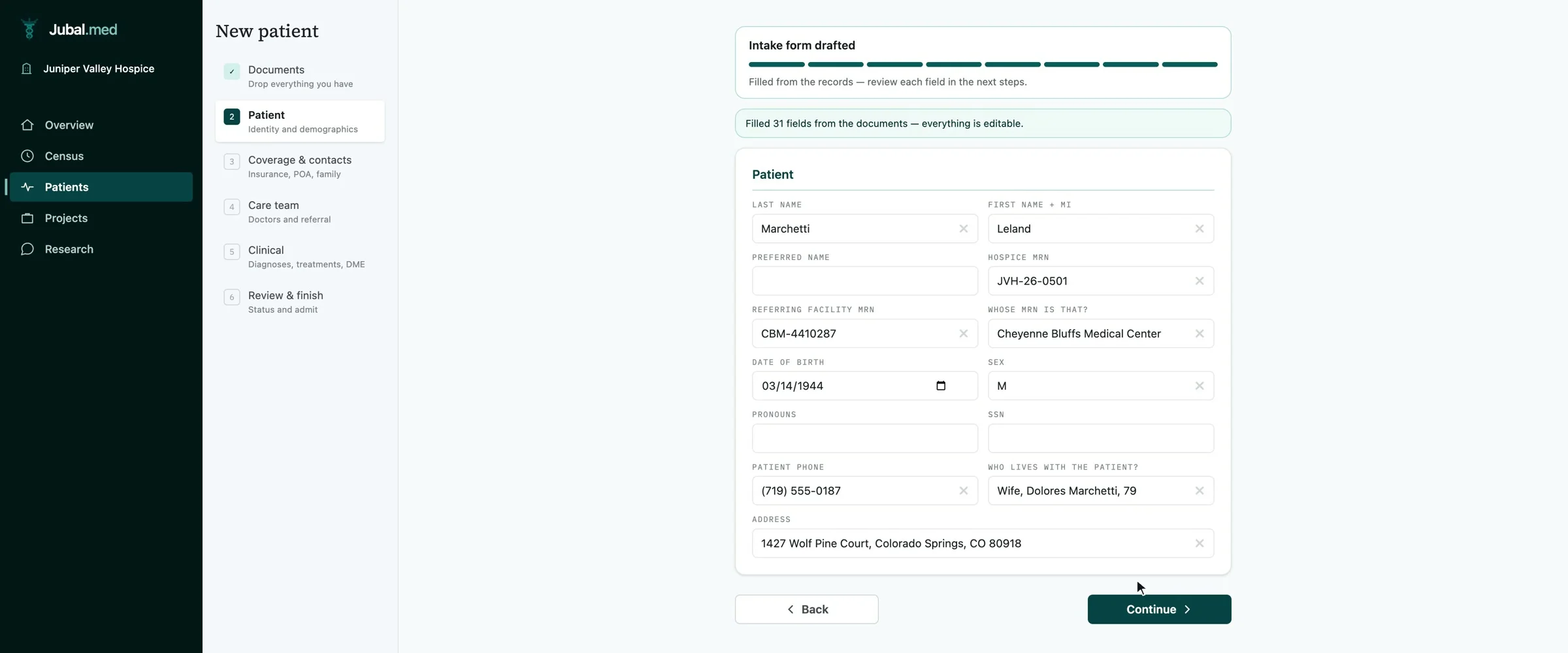
A new patient intake
Add a patient, drop in the referral records, and check what Jubal read from them.
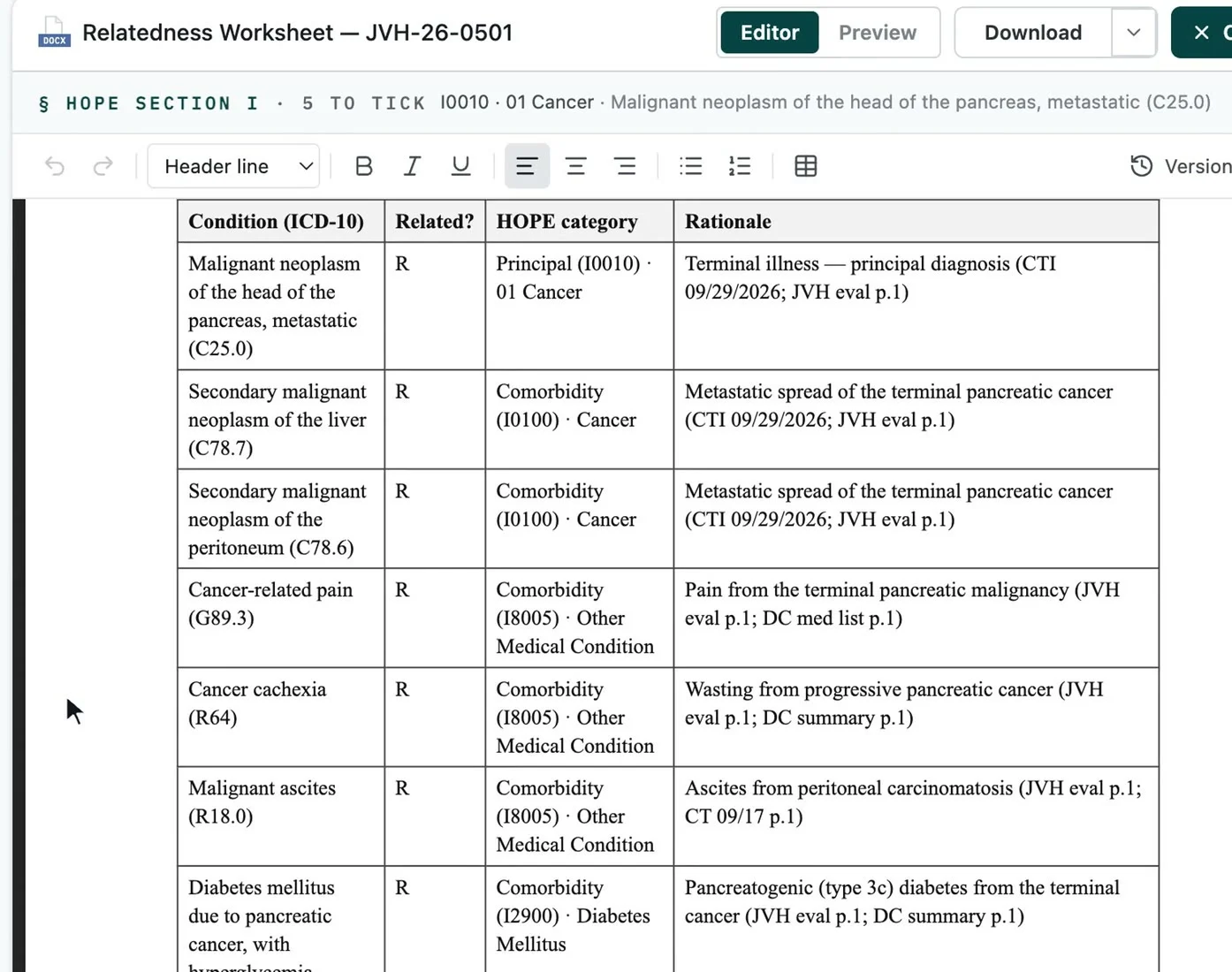
A relatedness worksheet, start to finish
Build the worksheet, read every row, settle the physician-review items and finalize. Then the CTI and the addendum.
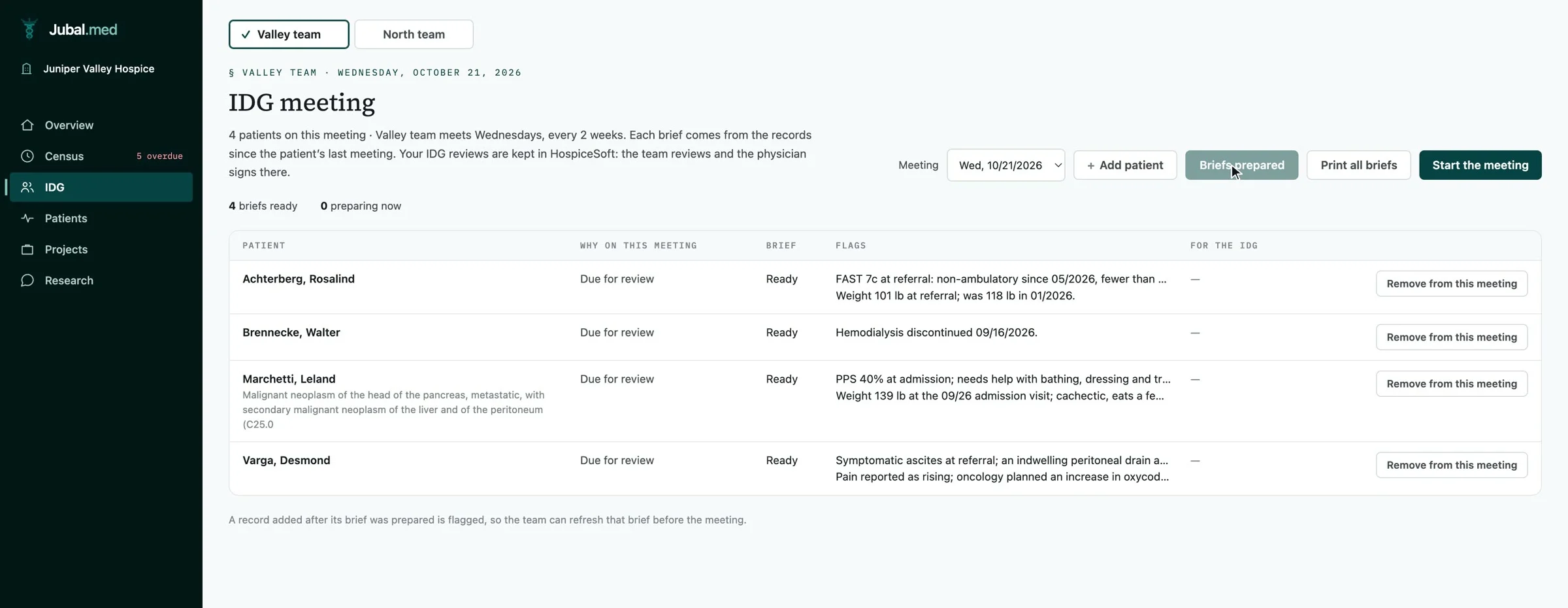
IDG teams and meetings
Put patients on their team, prepare every brief in one click, and run the meeting patient by patient.
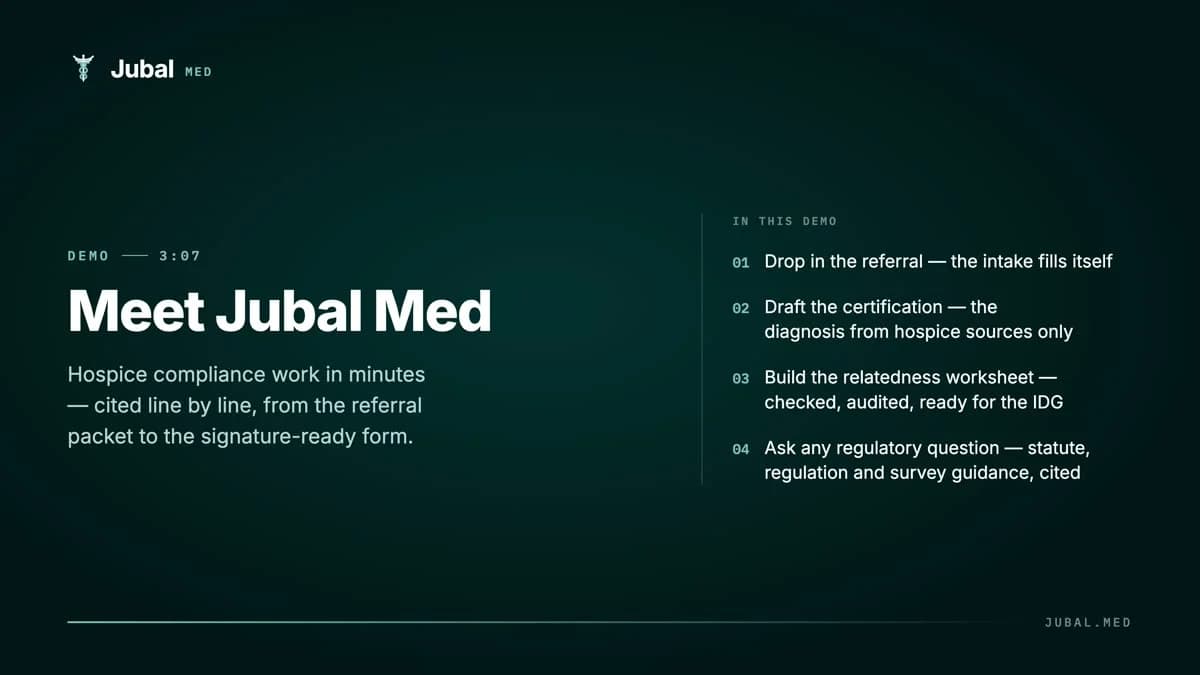 3:07DemoMeet Jubal MedDrop in the referral packet and watch the intake fill itself, the certification drafted, and the relatedness worksheet built, each row naming its source record and page.
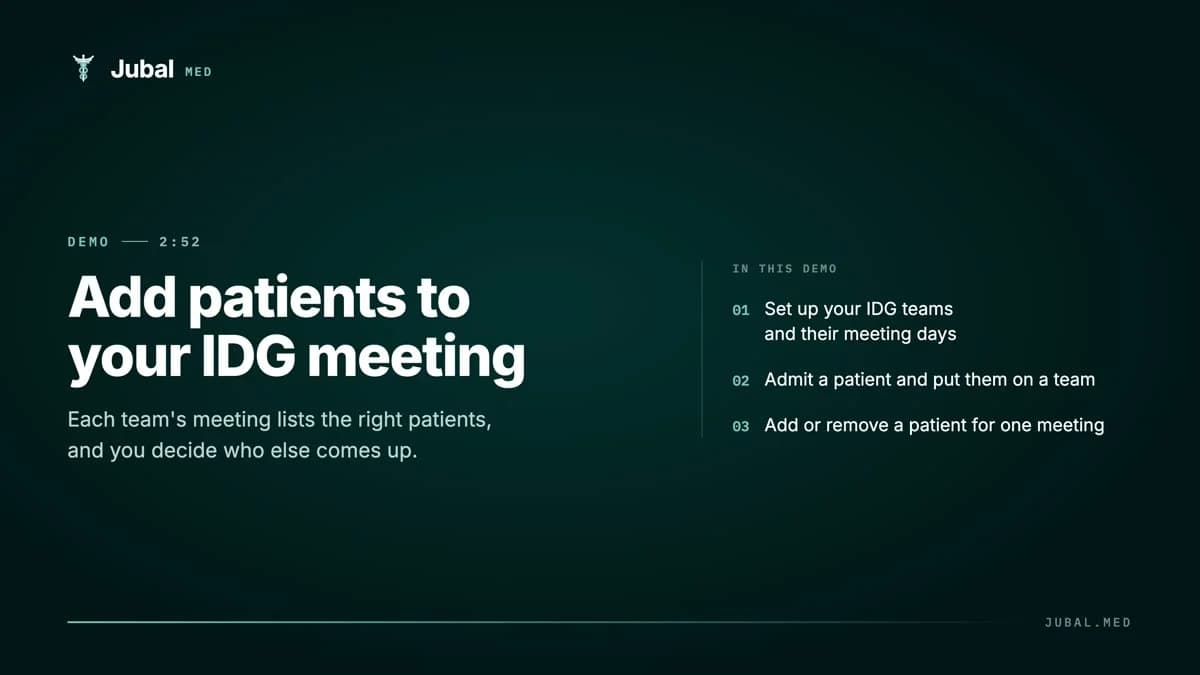 2:52How-to · IDGAdd patients to your IDG meetingSet up your IDG teams and their days, place each patient on a team, and add or skip a patient for one meeting.
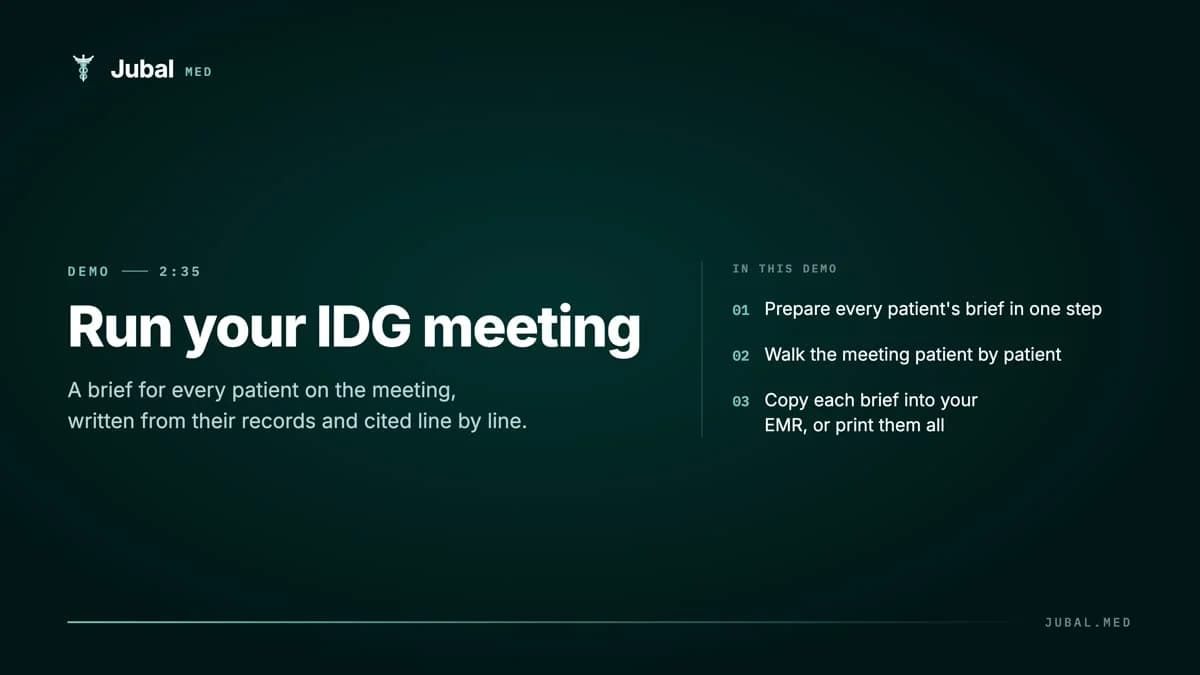 2:35How-to · IDGRun your IDG meetingPrepare every brief in one step, walk the meeting patient by patient, then copy each brief into your EMR or print them all.
Still stuck?
Use Report a bug in the corner of any screen in the app. It sends us a screenshot of what you see, and a person replies by email.
Run your next admission through it, and see the addendum on day one.
14-day free trial, no card. Every request is read and approved by a person.